
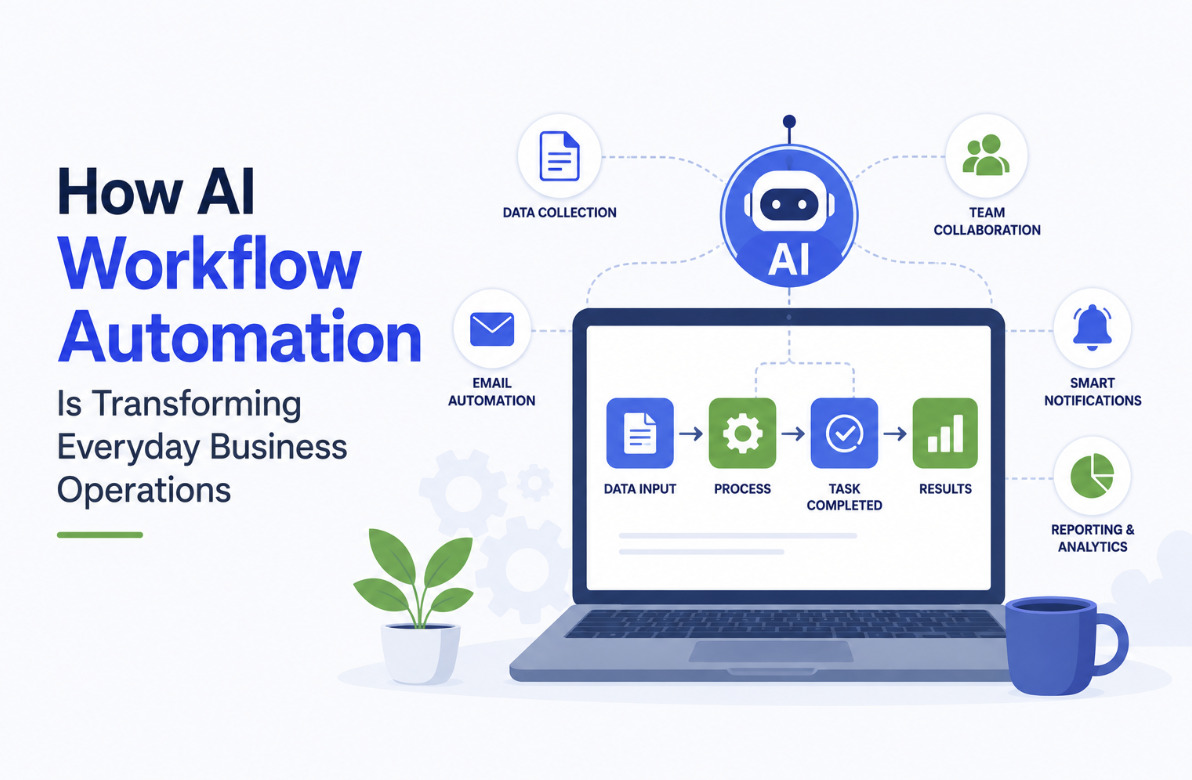
Here’s the thing about ai workflow automation: it stopped being a “future of work” talking point years ago. It’s already running quietly inside finance teams, sales pipelines, and marketing ops every day.
The crazy part is how invisible it’s become. People aren’t asking “should we automate this” anymore. They’re asking which parts of the day a bot should own by Friday.
Every hour your team spends on busywork is an hour they’re not spending with customers, on strategy, or on work that actually moves revenue.
What AI Workflow Automation Actually Means in 2026
Honestly, the term gets thrown around so loosely it’s worth pinning down. Classic automation moves data between systems based on fixed rules. If X happens, do Y. It’s useful, but it breaks the moment something unexpected shows up.
AI workflow automation adds judgment. A model reads context, decides what to do next, and handles the messy in-between cases that always made old automation choke.
It pulls from your CRM, your email, your docs, your calendar, and stitches a coherent action together.
That same shift is reshaping how buyers find you. Search isn’t ten blue links anymore.
It’s answers generated on the fly by ChatGPT, Perplexity, Gemini, and Google’s AI Overviews. That’s why smart B2B teams now invest in ai seo services to stay cited inside those AI answers.
Workflows and visibility run on the same underlying tech.
Where AI Workflow Automation Shows Up in the Day-to-Day
Picture this. A lead fills out a demo form. Within seconds, an AI flow enriches their data, scores intent, and drafts a personalized reply.
It books a slot on the right rep’s calendar and updates HubSpot. No human touched the lead. The rep walks into a qualified call with a one-page brief in their inbox.
That’s not a future scenario. Teams run ai workflow automation like this today. Here’s where it shows up most:
- Sales: lead enrichment, follow-up drafting, meeting prep, deal-stage updates, churn alerts.
- Marketing: content briefs, SEO refreshes, social repurposing, list segmentation, campaign reporting.
- Operations: invoice processing, vendor onboarding, contract review, expense approvals.
- Customer support: ticket triage, draft responses, sentiment routing, knowledge base updates.
- HR and finance: candidate screening, onboarding checklists, monthly close prep, anomaly detection.
The pattern is the same across functions. Repetitive judgment work gets offloaded. Humans stay in the loop for the calls that actually need them.
Quick summary: AI workflow automation handles the judgment-heavy busywork that used to eat your team’s day, from lead routing to invoice review. It works because models read context, not just follow rules, so messy edge cases no longer break the flow.
The Best AI Automation Tools Teams Are Actually Picking
Speaking of which, the tooling market got loud fast. Take my word for it, you don’t need fifteen platforms. You need a small stack that talks to itself.
The best ai automation tools right now fall into a few buckets:
- Orchestration layers: Zapier, Make, n8n, and Workato ship AI steps natively. Good for connecting apps and adding reasoning between them.
- Native AI inside your stack: HubSpot’s Breeze agents, Salesforce Agentforce, Notion AI, ClickUp Brain. These shine when the work lives in one system.
- Vertical agents: Clay for go-to-market data, Gong for revenue intelligence, Decagon and Sierra for support.
- Custom builds: Teams with engineers stitch their own agents using OpenAI, Claude, and frameworks like LangGraph for high-stakes flows.
The trap? Buying tools before mapping the workflow. The best ai automation tools won’t fix a process nobody bothered to document. Real ai workflow automation starts with mapping the work, not picking software.
Note: When picking ai automation tools, start with the workflow, not the vendor. Map the steps a human takes today, identify the decisions a model can handle, and only then shortlist platforms. Tools chosen this way get adopted. Tools chosen blind get shelved.
How to Roll Out AI Workflow Automation Without Breaking Things
I mean, ai workflow automation rollouts fail in a predictable way. A team picks an exciting tool, builds three flows, gets burned by a hallucination, and quietly turns it all off. Here’s how to avoid that.
Start with one workflow that has clear inputs, clear outputs, and a real cost when it goes wrong. Boring is good. Lead routing, meeting notes, invoice coding. Things you can measure.
Then build in human review for the first thirty days. Sort of a training-wheels phase. Track where the AI is right, where it’s wrong, and where it’s confidently wrong (the dangerous one).
Tighten the prompt or the data feeding it. Once accuracy holds at 95% or better, pull the human out of the routine path and leave them on exceptions. That’s when ai workflow automation actually returns time instead of just shifting it.
Finally, make someone own each flow. Unowned automations rot. They quietly drift as systems update, fields rename, and APIs change.
A named owner per workflow is the difference between a stack that compounds and one that decays.
What This Means for B2B Leaders Next
The companies pulling ahead with ai workflow automation aren’t the ones running the most agents. They’re the ones whose teams have stopped doing the work AI should handle.
That frees senior people for strategic calls, customer relationships, and creative bets that compound.
Workflow automation ai is also reshaping what a “small team” can ship. A ten-person company can run go-to-market motions that needed forty headcount three years ago. That edge is real.
Must Read: The winners in the next two years won’t be the companies with the fanciest AI stack. They’ll be the ones who picked three workflows and ran them to 95% accuracy. Then they used the freed time to outwork competitors on strategy and customer depth. Tools are commoditizing fast. Discipline isn’t.
FAQs
- What’s the difference between AI workflow automation and regular automation?
Regular automation follows fixed rules. AI workflow automation adds judgment, so it can handle ambiguous inputs, unstructured data, and edge cases that would break a rule-based flow. The result is fewer broken handoffs and less manual cleanup.
- Where should a B2B company start with AI workflow automation?
Start with one high-volume, low-risk workflow that has a clear input and a measurable output. Lead routing, meeting notes, or invoice coding are good first picks. Prove value on one flow before stacking more.
- Are the best AI automation tools always the expensive ones?
Not at all. Pricier platforms add governance, security, and enterprise integrations, but plenty of teams get strong results from mid-tier orchestration tools like Make or n8n paired with a frontier model. Match the tool to the workflow’s stakes.
- How long does it take to see ROI from AI automation tools?
Most teams see meaningful time savings within four to six weeks per workflow once it’s live and tuned. Bigger payoffs come from compounding several flows over a quarter, not from any single magic project.